Kin Engine
2D Game Engine & Level Editor
⚠️ University Project — Built as a learning experiment
What is This?
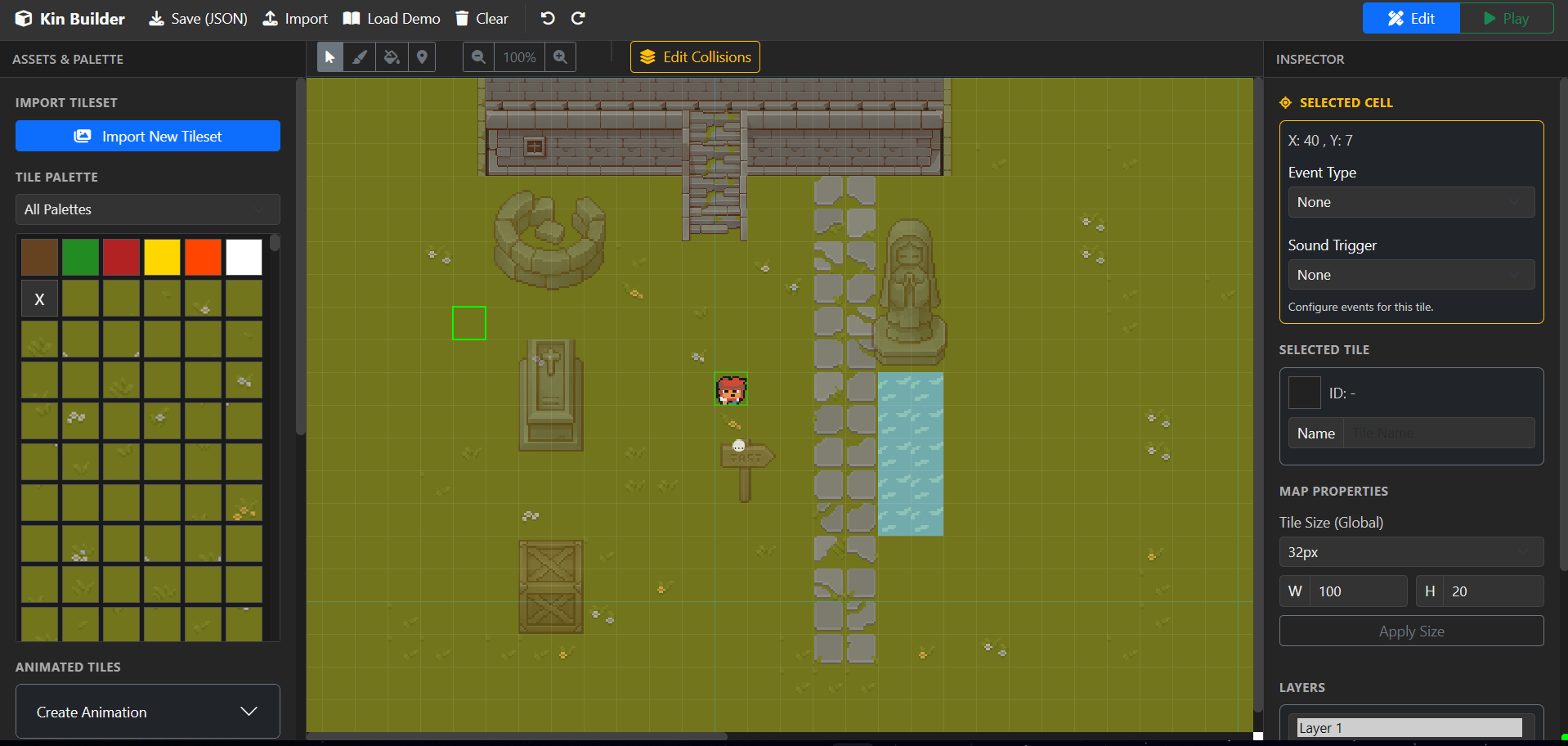
A lightweight, browser-based game development toolkit I created as a university project to explore game development fundamentals. It combines a level editor and playable game engine in one application. Built with pure vanilla JavaScript/HTML/CSS — no frameworks, no dependencies.
This started as a challenge: could I build a complete game development tool from scratch using only browser APIs? The answer was yes, and the result is surprisingly functional.
Why I Built This
As an engineering student specializing in AI and data science, I wanted to explore a different side of computer science: game development. Rather than use existing engines like Unity or Godot, I decided to build my own to understand:
- How level editors work under the hood
- Game loop design and rendering optimization
- Physics simulation and collision detection
- Event-driven architecture in JavaScript
- Clean code organization for complex systems
This project taught me more about software architecture than anything else I've built.
Key Features
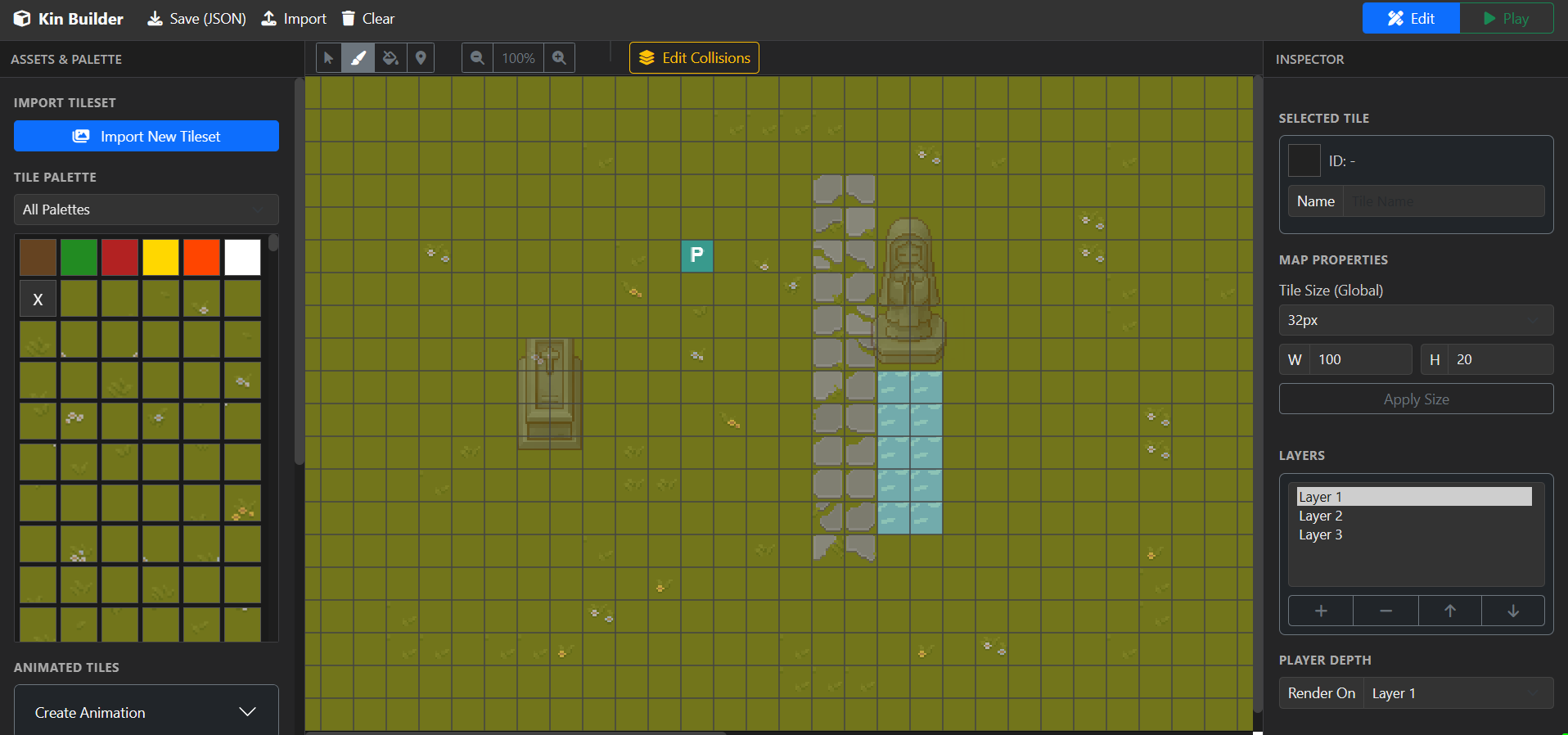
🎮 Integrated Level Editor
- Intuitive drag-and-drop tile placement with Paint and Fill tools
- Real-time viewport with zoom and pan controls
- Multi-layer support for complex level design
- Customizable tile sizes (16px, 32px, 48px, 64px)
- Visual grid alignment and snapping
🎨 Asset & Tileset Management
- Import your own sprite sheets (PNG, JPG, etc.)
- Create frame-by-frame animations with custom speeds
- Organize tilesets into reusable palettes
- Support for unlimited simultaneous tilesets
🔊 Audio System
- Import custom BGM and SFX (MP3, WAV, etc.)
- Manage audio assets directly in the editor
- Assign background music to specific maps
- Preview tracks before using them
⚙️ Lightweight Game Engine
- Physics-based player movement with friction simulation
- Advanced collision detection with complex shapes (slopes, platforms)
- Event system supporting dialogues, teleporters, and object interactions
- State-driven player animation system
- Customizable player sprite and size
💾 Developer-Friendly
- Save and load maps as JSON files
- Export creations to share
- Modular, extensible architecture
- Clean, readable source code
How to Use
1. Import Assets — Upload sprite sheets and audio files from the panels
2. Create Your Map — Use Paint and Fill tools to design levels
3. Add Interactions — Place events for NPCs, teleporters, and chests
4. Animate Elements — Create frame-by-frame animations with custom speeds
5. Define Collisions — Mark tiles as solid, slopes, or platforms
6. Play
Leave a comment
Log in with itch.io to leave a comment.